An accessible digital product lets people complete useful tasks through different ways of seeing, hearing, understanding and interacting. Build that into the delivery process: identify important journeys, involve disabled users, agree applicable requirements, test the implemented experience and give unresolved barriers an owner.
For UK product owners, designers and engineers, the practical question is where accessibility enters each decision. A component, procurement choice or authentication flow can determine whether someone reaches the outcome long before the final test cycle.
This checklist covers websites and apps across research, design, content, engineering and operations. It is operational guidance, not legal advice, a complete accessibility audit or certification. Use qualified accessibility and legal advice where the product, contract or regulatory context requires it.
Establish the right UK baseline
Start with the service, organisation and jurisdiction. The GOV.UK accessibility guidance distinguishes public-sector accessibility regulations from wider duties towards disabled people.
| Context | What the team should establish |
|---|
| Public-sector websites and mobile apps within the 2018 accessibility regulations | GOV.UK sets out WCAG 2.2 AA and an accessibility statement as the route to meeting the requirements. Check the precise scope, exemptions and any properly assessed disproportionate-burden claim. |
| Public and private service providers in Great Britain | Consider reasonable-adjustment duties under the Equality Act 2010. England, Scotland and Wales share this framework; the circumstances matter. |
| Service providers in Northern Ireland | The relevant disability-discrimination framework is the Disability Discrimination Act 1995. Do not assume the Equality Act applies throughout the UK. |
An exemption from the public-sector regulations does not remove every other accessibility duty. Equally, the public-sector statement requirement should not be presented as a blanket rule for every private business.
Record who will confirm applicable duties and contractual requirements. A standards checklist is useful technical evidence; it does not, by itself, establish that every legal obligation has been satisfied.
Use standards with their scope intact
WCAG 2.2 is the W3C standard for web content, including web content on mobile devices. Level AA conformance involves the applicable Level A and AA success criteria and the standard's conformance requirements. It is more than selecting a few familiar checks.
For native software, use W3C's WCAG2ICT guidance to understand how WCAG principles and criteria can apply outside the web. WCAG2ICT is informative guidance, not a separate standard that creates conformance requirements. Pair it with platform guidance and testing of the actual app.
The checks below combine standards-informed testing with useful inclusive-design practice. They are a working starting point, not an exhaustive WCAG assessment or a promise to meet every user's needs.
Research access needs before fixing the solution
Choose the tasks people need to complete: creating an account, making a booking, changing details, paying or asking for help. Include the steps outside the main interface, such as confirmation emails, documents and support conversations.
Recruit disabled participants whose access needs and interaction methods are relevant to those tasks. Consider visual, hearing, motor and cognitive needs, including combinations of needs. Ask about preferred arrangements, devices and assistive technology instead of assigning someone a testing method based on a diagnosis.
Make invitations, consent information and research sessions accessible. Budget for suitable facilities, communication support and participants' time. Record gaps in your research coverage and plan how to address them.
GOV.UK's user-research planning guidance recommends including disabled users in research for broad services and planning specific work where smaller groups need a different approach. Apply the principle proportionately to your product; one participant cannot represent everyone with a similar impairment.
Turn findings into observable requirements. “People must be able to correct a rejected booking without losing their earlier answers” gives the team something to design and test.
Design the interaction and the content together
Show how every important component behaves when focused, selected, disabled, loading or showing an error. Specify reading order, meaningful control names and what happens when content changes. Include those decisions in the design review, alongside visual appearance.
Use clear headings, familiar language and instructions placed where people need them. Write links and buttons that explain their purpose. Plan suitable text alternatives for informative images and the captions, transcripts or audio description appropriate to media before production begins.
Prefer established accessible patterns where they meet the task. A custom control needs an explicit interaction model and testing effort. A visually convincing prototype cannot establish how the implemented control works with assistive technology.
Keep essential access requirements inside the first release. The discussion about what to design now in an MVP should reduce unnecessary scope while preserving people's ability to use the retained journeys.
For an illustrative booking service, a simpler date-selection method may be easier to investigate than an elaborate calendar. Test the choice with relevant users; simplicity of appearance alone does not establish accessibility.
Test the ways people actually interact
Run these checks on complete journeys and their failure states. Record the browser or app version, operating system, assistive technology and settings used so another person can reproduce the result.
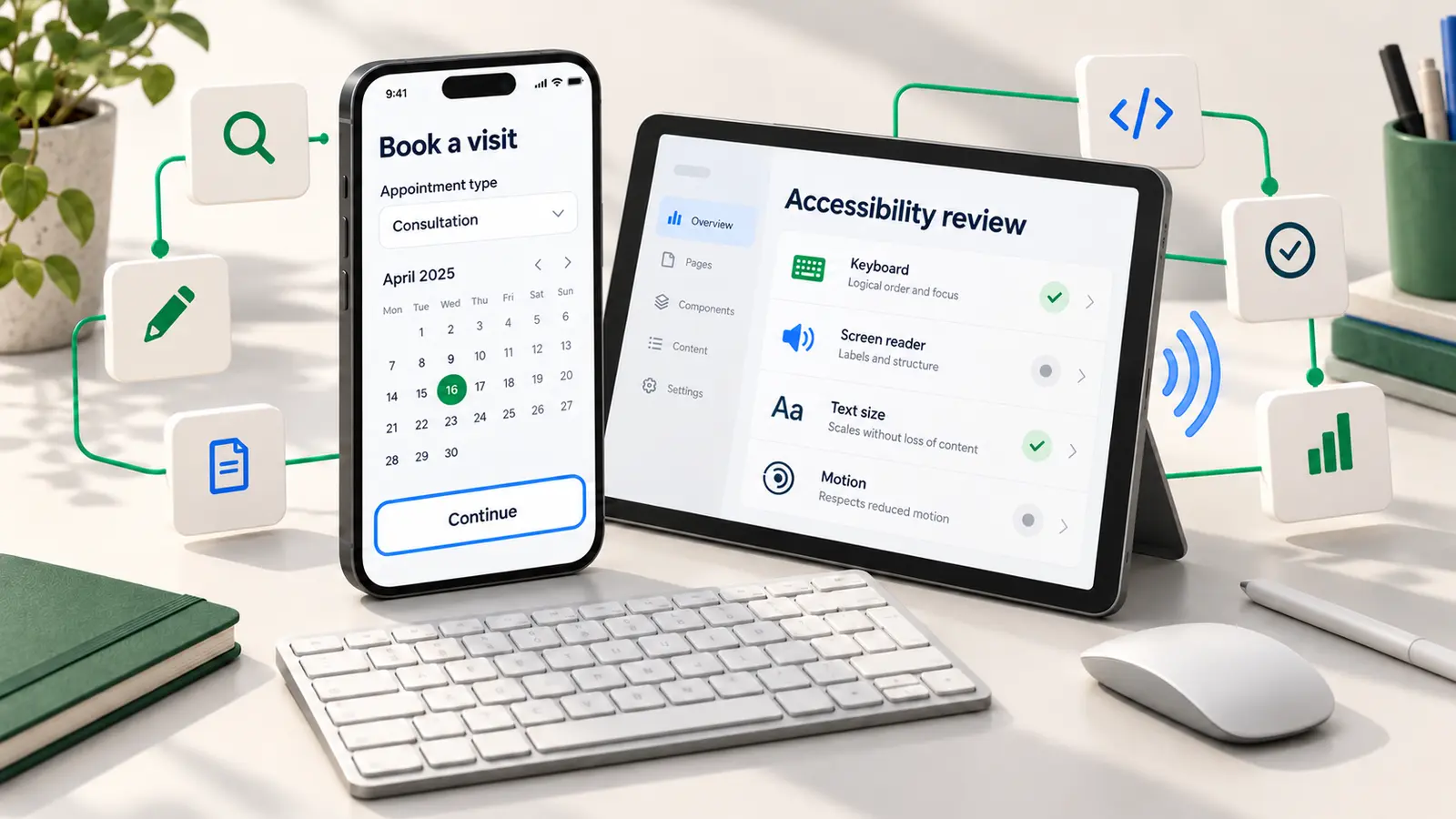
| Area | Practical checks on the implemented product |
|---|
| Keyboard and focus | Reach, operate and leave essential controls without a mouse. Check logical focus order, visible focus and escape from menus and dialogs. Check where focus returns after closing a dialog and whether sticky content hides the focused control. |
| Screen readers | Check headings, control names, roles, states and reading order. Can someone understand selected options, identify errors and hear meaningful status changes? Remove duplicate or misleading announcements; do not make every update interrupt the user. |
| Magnification and resizing | Enlarge text, use browser zoom or device display settings and inspect narrow layouts. Check that controls, instructions and error messages remain available, with reading order intact. Follow the applicable reflow and resizing criteria, including their exceptions. |
| Colour and contrast | Measure actual foreground/background combinations in relevant themes and states. Use text, shape or another cue alongside colour for errors and selection. Inspect images, charts, controls and focus indicators, not just body copy. |
| Motion and time | Offer reduced-motion behaviour and preserve the information when animation is removed. Check controls for moving or updating content and applicable timing requirements. Avoid making a short countdown the only way to complete an important step. |
| Forms and errors | Provide understandable instructions and labels associated with fields. Identify the problem and a useful correction. Check how errors are announced and reached, and preserve valid answers when someone corrects another field. |
| Pointer, touch and alternative input | Check target size and spacing against the applicable requirements. Offer alternatives to unnecessary dragging or complex gestures. Where relevant, test switch or voice interaction and whether spoken control names match visible labels. |
For example, WCAG 2.2 AA's text-contrast criterion requires at least 4.5:1 for ordinary text and 3:1 for large-scale text. Its definition of large text includes at least 18-point regular or 14-point bold text; the criterion has exceptions for incidental text and logotypes. Use the full text-contrast criterion when assessing a specific case. These values are not a universal rule for every graphical control or native-platform target.
Check authentication and recovery as part of the same journey. Support password managers and pasting where appropriate, and investigate barriers created by memory tasks or inaccessible verification steps. Agree an accessible solution alongside the threat model; secure mobile-app development and accessible interaction need to work together.
For Flutter apps, the official accessibility release checklist specifically recommends testing with TalkBack on Android and VoiceOver on iOS. Test intelligible controls, text scaling and error handling in the shipped platform build. A successful browser check does not verify the native app, and passing on one operating system does not verify another.
Combine automated checks, manual review and user research
Run automated checks regularly to catch issues the tools can detect. Add knowledgeable manual evaluation and task-based research with disabled people. W3C's evaluation guidance is explicit that no tool alone can determine whether a site meets accessibility standards.
Maintain a test matrix around supported platforms and important user needs. Include reusable components, unusual screens and complete processes, such as a booking that crosses into an external payment service and returns to confirmation. Test validation failures, empty results and interrupted sessions as well as successful paths.
Use findings from research and support to revise the matrix. A clean automated report is a piece of evidence about tested content, not proof that the whole service is accessible.
Keep passed, failed and not tested separate. If the team has not checked a payment widget with the relevant assistive technology, record that uncertainty rather than borrowing confidence from the surrounding pages. Give every material coverage gap a next test and an owner. Assess shared components in context: the same dialog may behave differently when opened from another part of a journey.
Integrate this work into pre-launch quality assurance, then repeat relevant checks after component, content, dependency or operating-system changes. Retest the original barrier after a fix; closing the development ticket is not the same as verifying the user's outcome.
Ask suppliers for evidence before committing
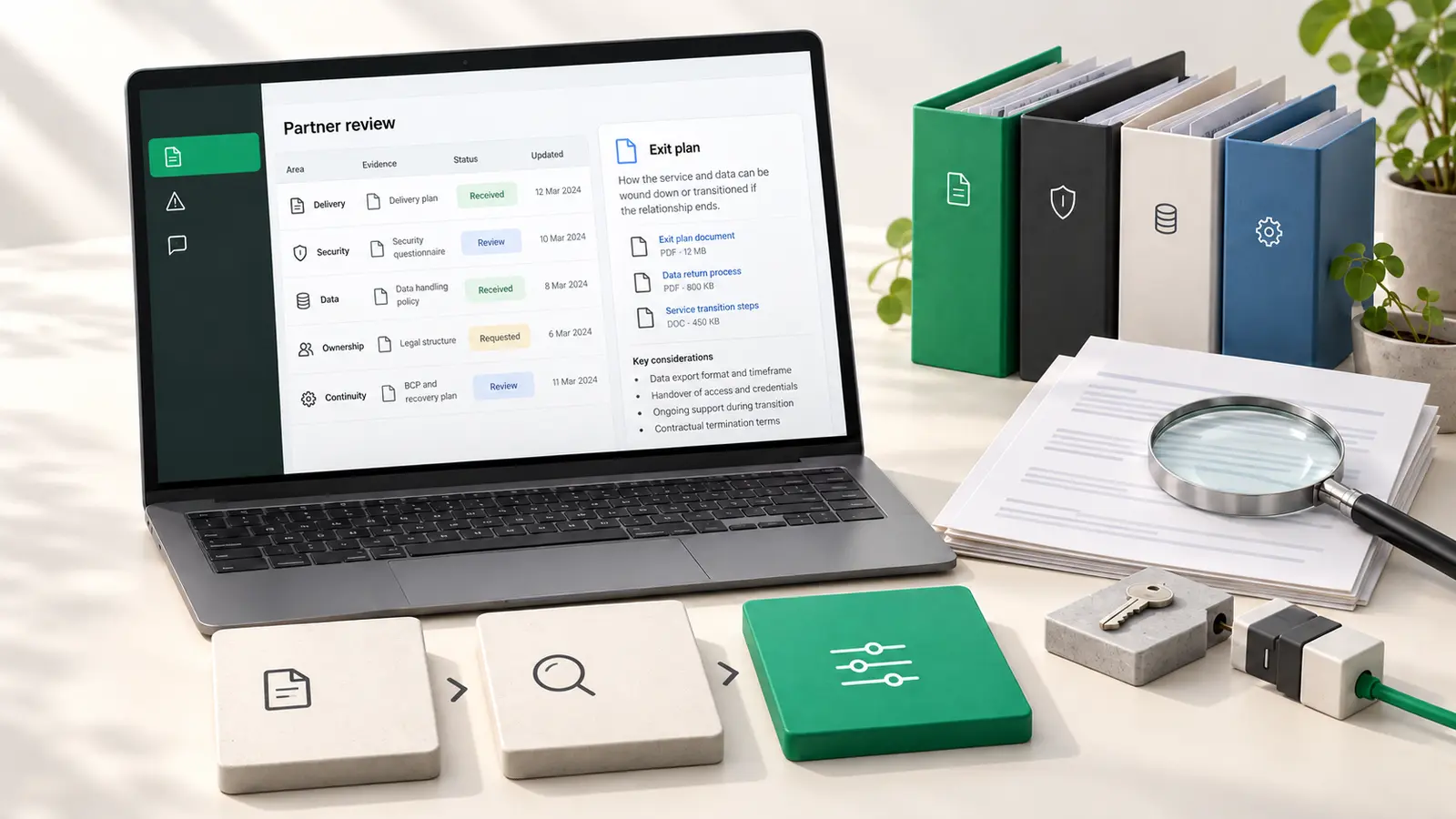
For a purchased component or delivery partner, ask which product version, platform and journeys an accessibility report covers. Request the standard and level assessed, assessment date, methods, known issues and remediation responsibilities.
Inspect the experience you will actually configure. A supplier's report may cover different features or exclude the integration that your users need. Agree acceptance evidence, fix timescales and responsibility for regressions and future updates before signing off the work.
When comparing product engineering services, use those questions to make delivery expectations concrete. A general accessibility promise is less useful than a scoped report and an accountable improvement process. Apply the relevant procurement rules for your organisation; this checklist does not determine them.
Keep statements, support and issues connected
Where public-sector regulations require an accessibility statement, keep it accurate and current. Describe the assessed scope, known limitations and available ways to raise problems, following the applicable guidance. A statement does not fix an inaccessible journey.
Other organisations can also provide clear accessibility information and a feedback route as good practice. Distinguish that choice from a claim that the public-sector statement rules apply to them. Make the feedback channel itself usable, and avoid requiring someone to complete the broken flow before reporting it.
Use an issue record that includes:
- The affected journey, step and user impact.
- Reproduction steps, environment and observed versus expected behaviour.
- Relevant criterion or research finding, with supporting evidence.
- Severity, any usable interim support, owner and target date.
- Retest method, result and release containing the verified fix.
For an illustrative booking issue, the record might say: “After an invalid email is submitted, the error appears visually but is not announced to the screen-reader user. Earlier answers remain available, but the user cannot identify what prevents completion.” The engineering owner investigates the error association and announcement; the retest checks whether someone can find the error, correct it and finish the booking. “Improve accessibility” would not give the team that direction.
Track user impact as well as the number of open tickets. Several cosmetic improvements should not conceal one unresolved barrier that blocks the service's main task.
Prioritise barriers that prevent essential tasks or recovery. An interim support route may help someone now, but it should not silently replace the plan to fix the product or be assumed to satisfy legal duties.
Use a lifecycle checklist with named owners
Adapt this worksheet to your team. One accountable lead coordinates the work; each discipline supplies the evidence for its part.
| Stage | Accountable role | Evidence to review before progressing |
|---|
| Scope | Product owner | Critical journeys, relevant jurisdictions, agreed standards and responsibility for specialist advice |
| Research | Research lead | Accessible recruitment and sessions, represented needs, findings and coverage gaps |
| Design and content | Design/content leads | Interaction states, reading order, instructions, alternatives and error behaviour |
| Implementation | Engineering lead | Working components, platform behaviour and checks integrated into development |
| Evaluation | Accessibility/QA lead | Automated and manual results, user findings, environment details and retested fixes |
| Procurement | Commercial/product owner | Scoped supplier evidence, known limitations and ongoing responsibilities |
| Live operation | Service owner | Accurate accessibility information, usable support, issue owners and review dates |
Before release, review unresolved barriers explicitly. Decide what must be fixed, what further assessment is needed and what accessible interim support is available. Record the decision and its owner; a delivery deadline does not establish that a barrier is acceptable.
Start with one important journey this week. Bring its design, content, engineering and support owners together, test how people complete it and assign the next verified improvement. Expand coverage from that evidence.
For practical guidance on building and improving digital products, join the FlutterCraft newsletter.
Sources checked: 30 October 2026. Review standards, platform and legal guidance by 28 January 2027, or sooner following a relevant change.


 Mubeen AhmadCo-Founder30 Oct 202611 min read00