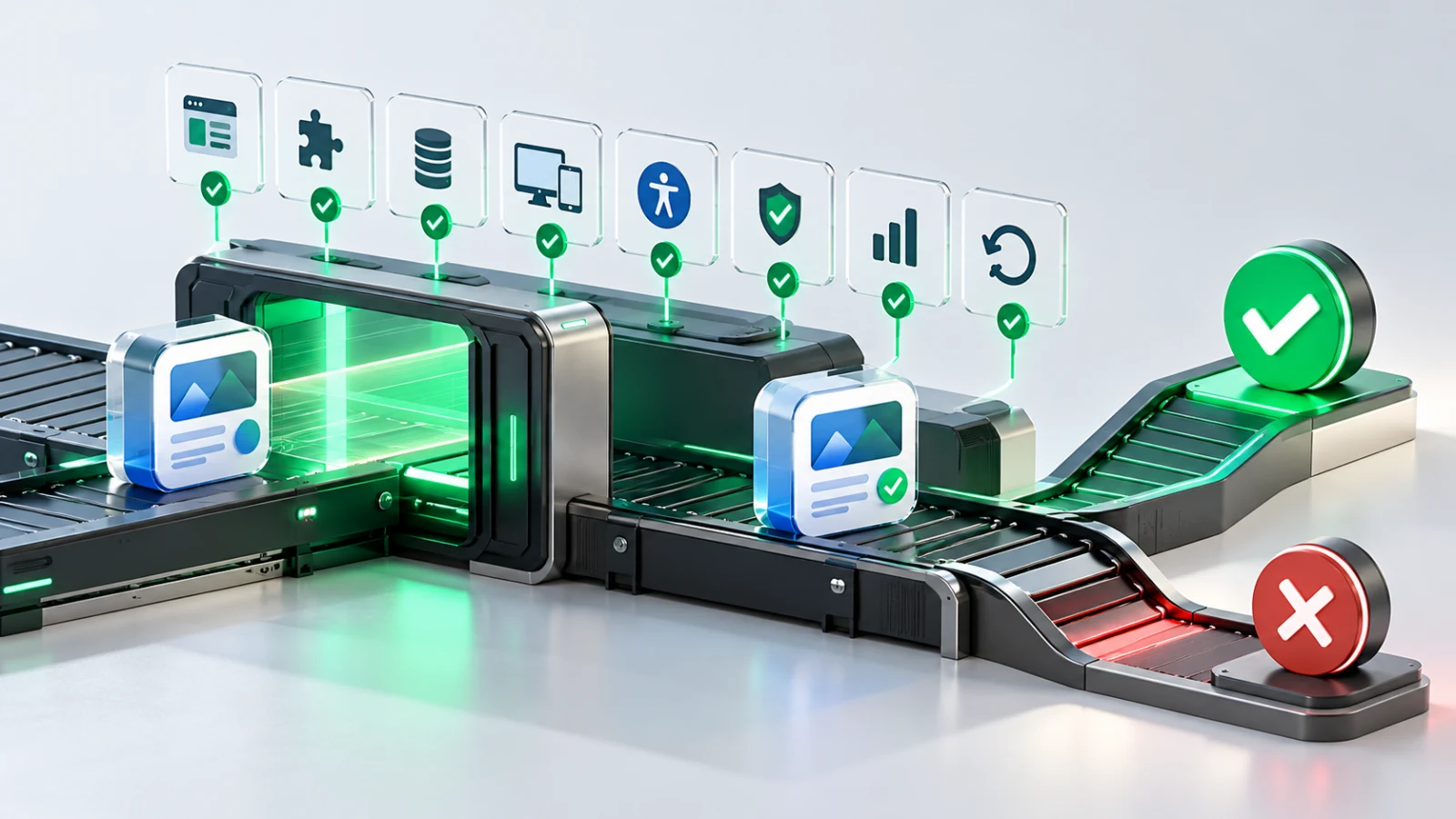
Choosing between Supabase and Firebase is not primarily a feature-list exercise. It is a decision about how your product will store data, enforce access, evolve its backend and support the team operating it.
For many startup apps, Supabase is a strong fit when the product has connected, relational data and the team wants PostgreSQL at the centre of the architecture. Firebase can be a strong fit when a document-oriented model, Google ecosystem services and Firebase’s client-focused tooling suit the product’s needs. Neither choice automatically makes an app faster, cheaper or more secure.
The useful question is: what workload, operating model and future change are you actually choosing for?
This guide is for UK founders and technical teams comparing managed backend platforms for a new or growing app. It is not a substitute for a security, legal or infrastructure review.
Before comparing authentication providers, storage quotas or function runtimes, write down the product’s first important workflows.
For example:
- Does the app manage organisations, teams, permissions, invoices, bookings or linked records?
- Will users need filtering, reporting, exports or admin views?
- Is realtime collaboration core to the experience, or simply useful?
- Are you expecting frequent mobile reads, event feeds, chat, notifications or offline use?
- Which services must the backend integrate with?
- Who will own data access, migrations, monitoring and incident response after launch?
A platform is easier to assess when its data and security model are compared with real user journeys rather than imagined future scale.
If you have not yet validated the customer problem, a managed backend may be premature. A prototype, concierge workflow or narrow experiment can sometimes answer the important commercial question before a production data model is needed. See our guide on validating an app idea before development.
The central distinction: relational data versus documents
Supabase provides a full PostgreSQL database rather than a proprietary database abstraction. Its services, including Auth, Storage, Realtime and Edge Functions, are built around that database. Supabase’s architecture documentation explains this model and its use of PostgreSQL.
Firebase offers several services; in many startup comparisons, the main database under discussion is Cloud Firestore. Firestore stores data in collections and documents, with application access governed through Firebase Authentication and Security Rules.
Neither model is universally better. The question is how naturally each one represents your product.
| Product question | A relational/PostgreSQL approach may feel natural when… | A document-oriented approach may feel natural when… |
|---|
| Relationships | Users, organisations, roles, subscriptions and records have clear links | Data is naturally grouped into self-contained documents |
| Reporting | You expect joins, aggregated reporting and operational queries | You can shape data around known application read patterns |
| Consistency | Transactions and shared business rules are central | The workflow can be modelled around focused document updates |
| Team familiarity | The team can safely work with SQL, migrations and database policies | The team is comfortable designing and maintaining document structures |
| Future integrations | You expect to use SQL tools, data exports or an existing relational estate | Google Cloud and Firebase services are already central to your product |
A relational model is not automatically more “enterprise”, and a document model is not automatically more “scalable”. Both require deliberate design. A poor schema, weak access controls or untested assumptions will create operational problems on either platform.
Compare the capabilities that affect delivery
| Area | Supabase | Firebase | What to decide |
|---|
| Database | PostgreSQL with SQL, relationships, functions and migrations | Cloud Firestore’s document model, plus other Firebase database options | Which model represents your core workflows with the least distortion? |
| Authentication | Auth integrates with the project’s Postgres environment and issues JWTs | Firebase Authentication integrates closely with Firebase client SDKs | Which sign-in methods, user lifecycle and server-side controls do you need? |
| Authorisation | Row Level Security policies can enforce data access in PostgreSQL | Security Rules govern client access to Firestore and other Firebase services | Who will design, test and review access rules over time? |
| Realtime | Realtime can stream Postgres changes and support broadcast or presence | Firebase provides realtime patterns through its database services | Is realtime core, and what are the expected event, connection and security patterns? |
| Storage | Storage integrates with the Supabase project and access controls | Cloud Storage for Firebase integrates with Firebase tooling | What files are stored, who accesses them and how will uploads be authorised? |
| Server logic | Edge Functions and database capabilities can support server-side work | Cloud Functions support event-driven and HTTP-based server logic | What must run outside the client, and what triggers or integrations are required? |
Both platforms support local development. Supabase documents a local stack for services including Postgres, Auth and Storage, while Firebase’s Local Emulator Suite supports local testing for services such as Firestore, Authentication, Storage and Functions. Supabase local development and the Firebase Local Emulator Suite are worth assessing as part of the engineering workflow, not after the platform has been selected.
Security is a product decision, not a configuration task
A managed backend reduces some operational burden. It does not remove responsibility for safe data access.
With Supabase, Row Level Security should be designed and tested around user roles, organisation boundaries and sensitive records. Supabase’s RLS guidance is a useful starting point, but your policies still need application-specific review.
With Firebase, Firestore Security Rules are evaluated for mobile and web client requests. Firebase also notes that server client libraries bypass Firestore Security Rules and instead use Google credentials, so server-side access needs its own IAM and architecture decisions. See Firebase’s guidance on testing Firestore Security Rules.
For either platform:
- Map sensitive data and identify who should access it.
- Separate trusted server operations from client operations.
- Test denied access as seriously as permitted access.
- Keep secrets out of mobile and browser code.
- Log important operational events without exposing personal or confidential data.
- Review access policies whenever roles, data flows or integrations change.
If your app processes personal data, build privacy decisions into the design rather than adding them immediately before launch. The ICO’s guidance on data protection by design and by default is relevant regardless of the backend provider.
Compare pricing drivers, not just today’s free tier
Platform pricing changes, so a decision should not depend on a copied price figure. Review the current official pricing pages before approval:
The useful modelling questions are:
- How many monthly active users do you expect initially?
- How many reads, writes, queries, realtime messages and file transfers happen in a normal user journey?
- Which operations may grow unexpectedly, such as feeds, listeners, image delivery or background functions?
- What retention, backups, observability and support level are required?
- Does the data model encourage efficient access patterns, or accidental repeated reads?
- What is the cost and operational impact of an integration failure or traffic spike?
For example, Firestore billing can be affected by document reads, storage and some Security Rules evaluations. Supabase usage can be affected by database size, egress, storage, realtime, active users and function usage. The important task is to model the product’s likely usage rather than assume either platform has one predictable cost profile.
Portability: avoid vague claims about lock-in
No managed backend is entirely free of migration effort.
Supabase’s Postgres foundation can be useful if your team expects to use familiar SQL tooling, migrations and exports. However, your product may still depend on hosted Auth configuration, Storage paths, Realtime behaviour, functions and operational settings.
A Firebase application can also be migrated, but document structures, rules, client assumptions, cloud integrations and event-driven functions should be treated as real migration work.
Create an exit plan before launch:
- Keep database structure, access rules and infrastructure configuration under version control where possible.
- Document ownership of cloud accounts, domains, repositories and app-store credentials.
- Make sure the business can export its important data.
- Avoid embedding business-critical rules only in client code.
- Define how authentication, files and background jobs would move if the platform changed.
- Test backup and restore expectations before production data matters.
A workload-first decision matrix
| Startup workload | Likely direction | Why |
|---|
| B2B SaaS with organisations, roles, subscriptions, reporting and internal operations | Often evaluate Supabase first | Relational data and SQL may make connected business workflows easier to express |
| Consumer app with focused document-shaped data and a Firebase-centred mobile stack | Often evaluate Firebase first | Firebase client tooling and document access patterns may align well |
| Collaboration product with presence, permissions and shared records | Prototype both critical flows | Realtime behaviour, security model and data consistency need practical testing |
| Marketplace, booking or workflow product | Often evaluate relational modelling early | The product may accumulate connected entities, states and reporting needs |
| Early idea with uncertain demand | Choose neither for now | Validate the problem and core workflow before committing to production backend complexity |
| Regulated, highly sensitive or complex operational product | Obtain specialist architecture and security input | Managed services can help, but they do not replace risk assessment or governance |
This table is a starting point, not a recommendation engine. The right answer can be “run a small technical spike”, “use a simpler temporary approach”, or “delay the decision until discovery has reduced uncertainty”.
A seven-question selection checklist
Before committing, ask:
- What are the first three user workflows that the backend must support?
- Which data relationships and queries will become difficult if the model is wrong?
- How will users, organisations and permissions be separated?
- Which operations must be trusted server-side?
- How will the team test security rules, migrations and failure states locally?
- Which usage drivers could make cost or performance unpredictable?
- What evidence would make us reconsider this choice in six months?
The best backend is the one your team can use safely, understand clearly and adapt without turning everyday product work into an infrastructure project.
Conclusion
Supabase and Firebase can both support successful startup apps. Supabase is often compelling where PostgreSQL, relationships and SQL-based operational workflows fit the product. Firebase is often compelling where its document model, mobile tooling and wider Google ecosystem fit the product.
Choose based on the work your product must do, the team that must operate it and the risks you are willing to own. Do not choose a platform because it is fashionable, familiar to one developer or temporarily cheap.
Sources and further reading


 Moeen AhmadLead Software Engineer17 Sept 20269 min read81